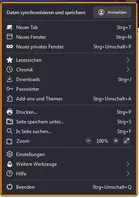
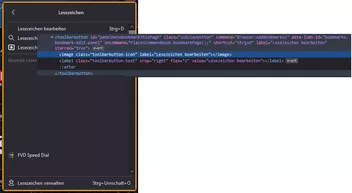
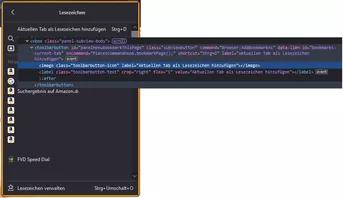
Danke Andreas.
Nun ja, mit
CSS
    menupopup > menuitem,
    menupopup > menu {
        appearance: none !important;
        padding-block: 2px !important;
        padding-inline-start: 25px !important;
    }
in meiner Lesezeichen.css
und
CSS
    /*Abstände für alle Icons im Kontextmenü*/

  menupopup:not(.in-menulist) > menu:not(.menu-iconic),
  menupopup:not(.in-menulist, [aria-label]) > menuitem:not(.menuitem-iconic, [checked="true"]) {
    margin-left: 25px !important;
    background-position: 0 center !important;
    background-repeat: no-repeat;
    background-size: 16px;
    -moz-context-properties: fill, fill-opacity;
    fill: currentColor;
}


/* Menüleiste */

 #toggle_toolbar-menubar[checked="true"] > .menu-iconic-text {
   margin-left: 2px !important;
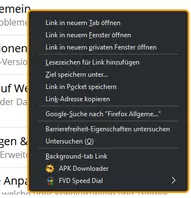
}Habe ich jetzt "alles" auf Linie,
aber ...
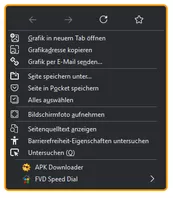
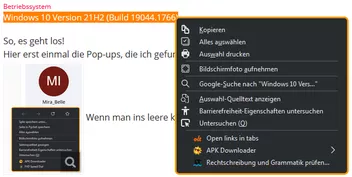
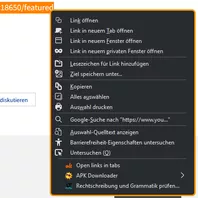
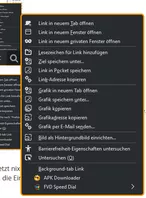
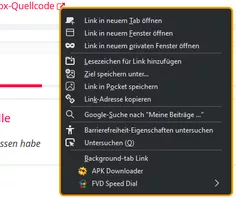
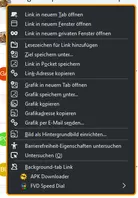
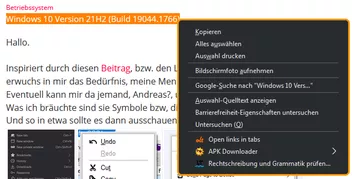
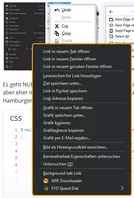
es sieht bescheiden aus!
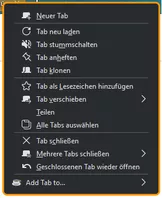
Add Tabs wäre dann normal, so wie ich es gerne hätte!
In diesem CSS hat der Autor es hinbekommen. => menu_icons.zip
Ich habe nur noch nicht rausgefunden, wie!
Gruß
Mira










 lich möchte ich mich bei allen Beteiligten für Ihre Hilfen, Ihre Ideen, Anregungen und Unterstützungen bedanken.