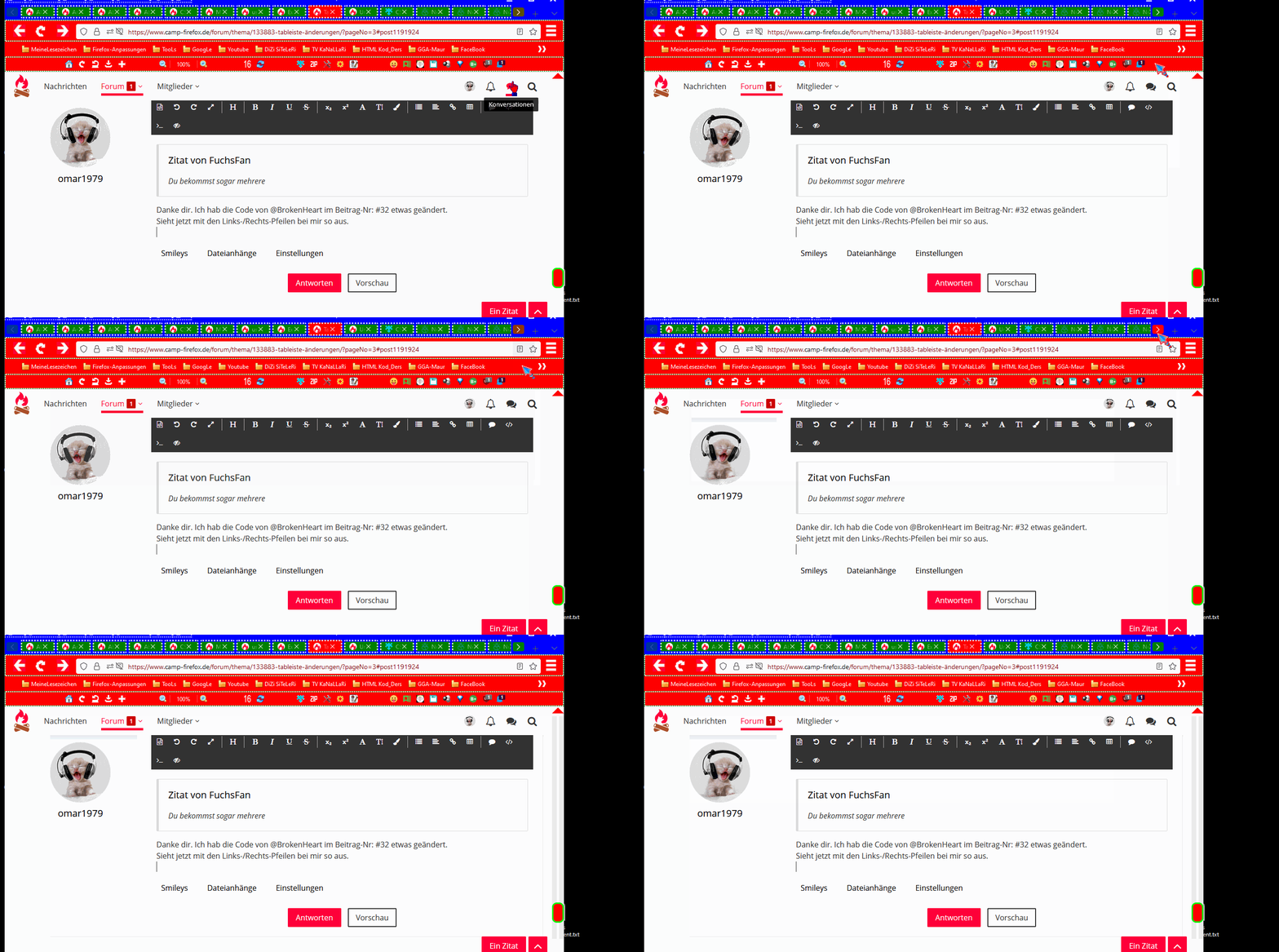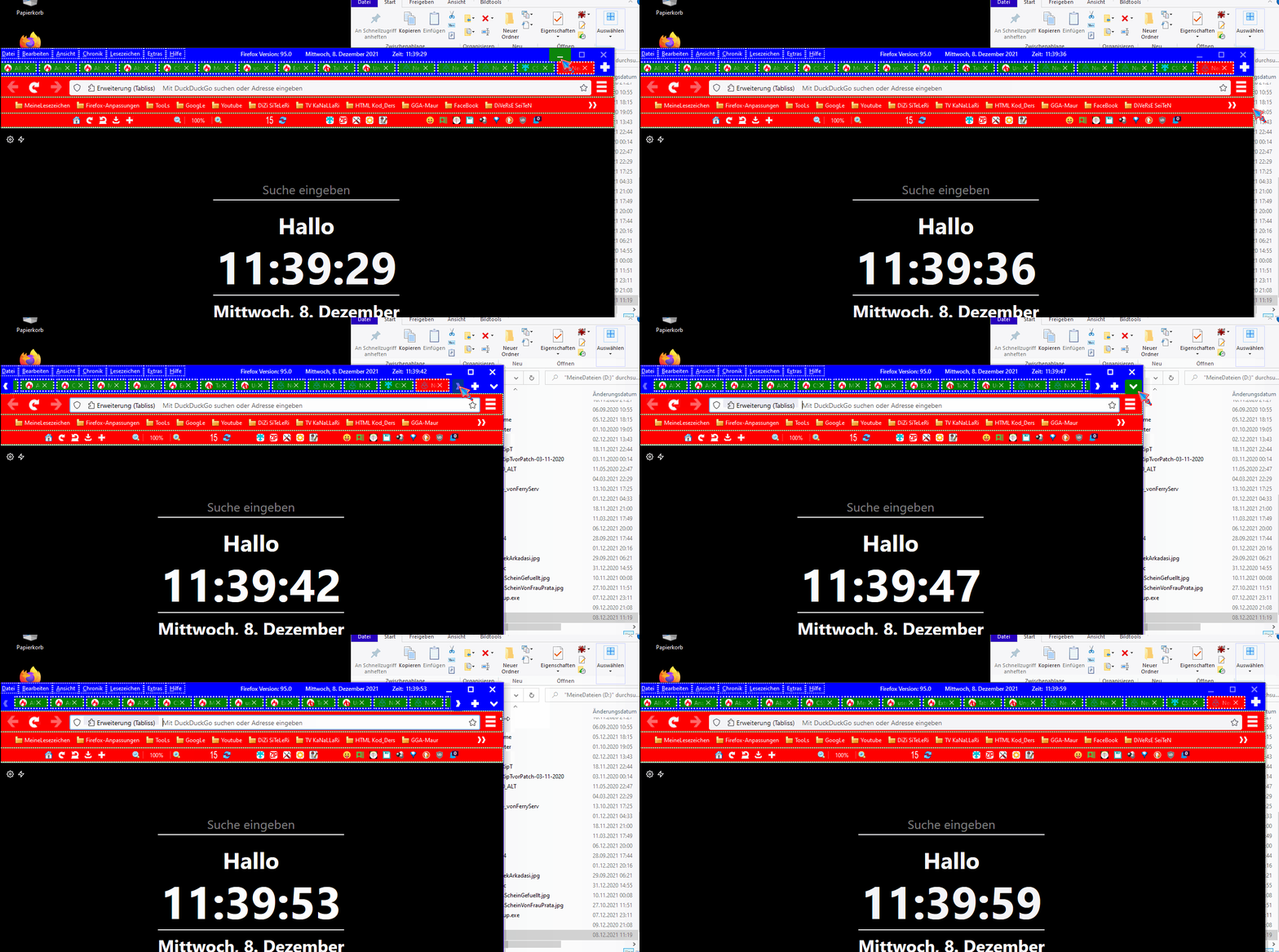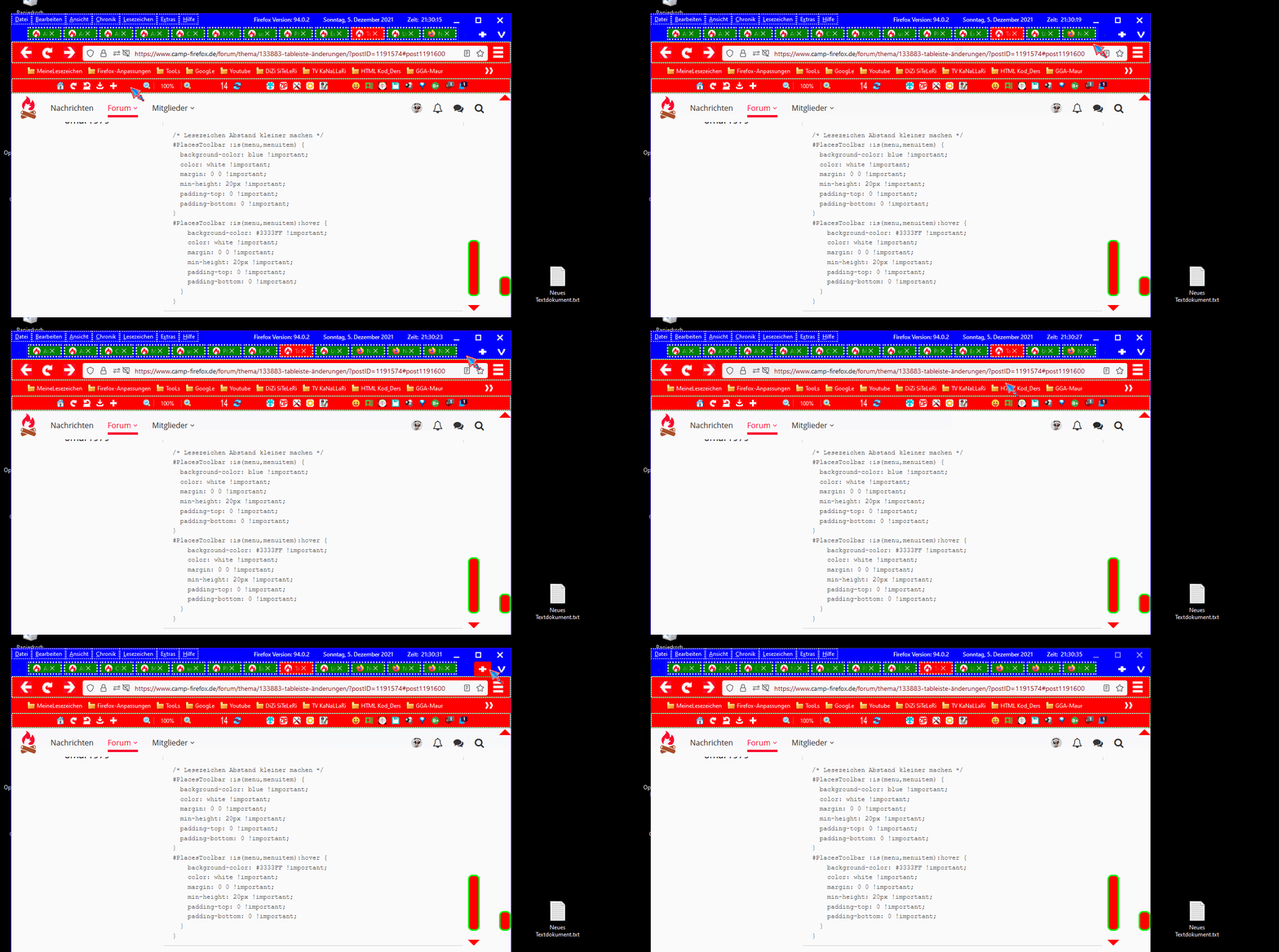
CSS
/*Für userChromeShadow.css*/
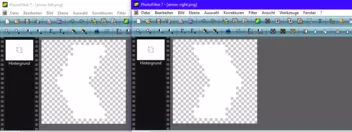
/* TabLeiste Pfeile (nach Links und nach Rechts) ändern */
#tabbrowser-arrowscrollbox::part(scrollbutton-up) {
  list-style-image: url("file:///C:/Users/askas/AppData/Roaming/Mozilla/Firefox/Profiles/use9514s.default-release/chrome/favicons/arrow-right11.png") !important;
  transform: scale(0.9, 0.9) !important;
  background-color: green;
  margin-top: -6px !important;
  margin-bottom: -1px !important;
  padding-top: 2px;
  padding-bottom: 1px
}
#tabbrowser-arrowscrollbox::part(scrollbutton-down) {
  list-style-image: url("file:///C:/Users/askas/AppData/Roaming/Mozilla/Firefox/Profiles/use9514s.default-release/chrome/favicons/arrow-left11.png") !important;
  transform: scale(0.9, 0.9) !important;
  background-color: green;
  margin-top: -6px !important;
  margin-bottom: -1px !important;
  padding-top: 2px;
  padding-bottom: 1px
}
#tabbrowser-arrowscrollbox::part(scrollbutton-up):hover,
#tabbrowser-arrowscrollbox::part(scrollbutton-down):hover {
  background-color: red !important;
}

/*Für userChrome.css*/
#TabsToolbar #new-tab-button {
  list-style-image: url("file:///C:/Users/askas/AppData/Roaming/Mozilla/Firefox/Profiles/use9514s.default-release/chrome/favicons/neutab.png") !important;
  transform: scale(1.0, 1.0) !important;
  background-color: blue;
  margin-top: -0px !important;
  margin-bottom: 5px !important;
  padding-top: 0px !important;
  padding-bottom: 0px !important;
}
#alltabs-button {
  list-style-image: url("file:///C:/Users/askas/AppData/Roaming/Mozilla/Firefox/Profiles/use9514s.default-release/chrome/favicons/arrow-down.png") !important;
  transform: scale(1.0, 1.0) !important;
  fill: white !important;
  background-color: blue;
  margin-top: -1px !important;
  margin-bottom: 10px !important;
  padding-top: -5px !important;
  padding-bottom:0px !important;
}

#alltabs-button:hover,
#TabsToolbar #new-tab-button:hover {
  --toolbarbutton-hover-background: red !important;
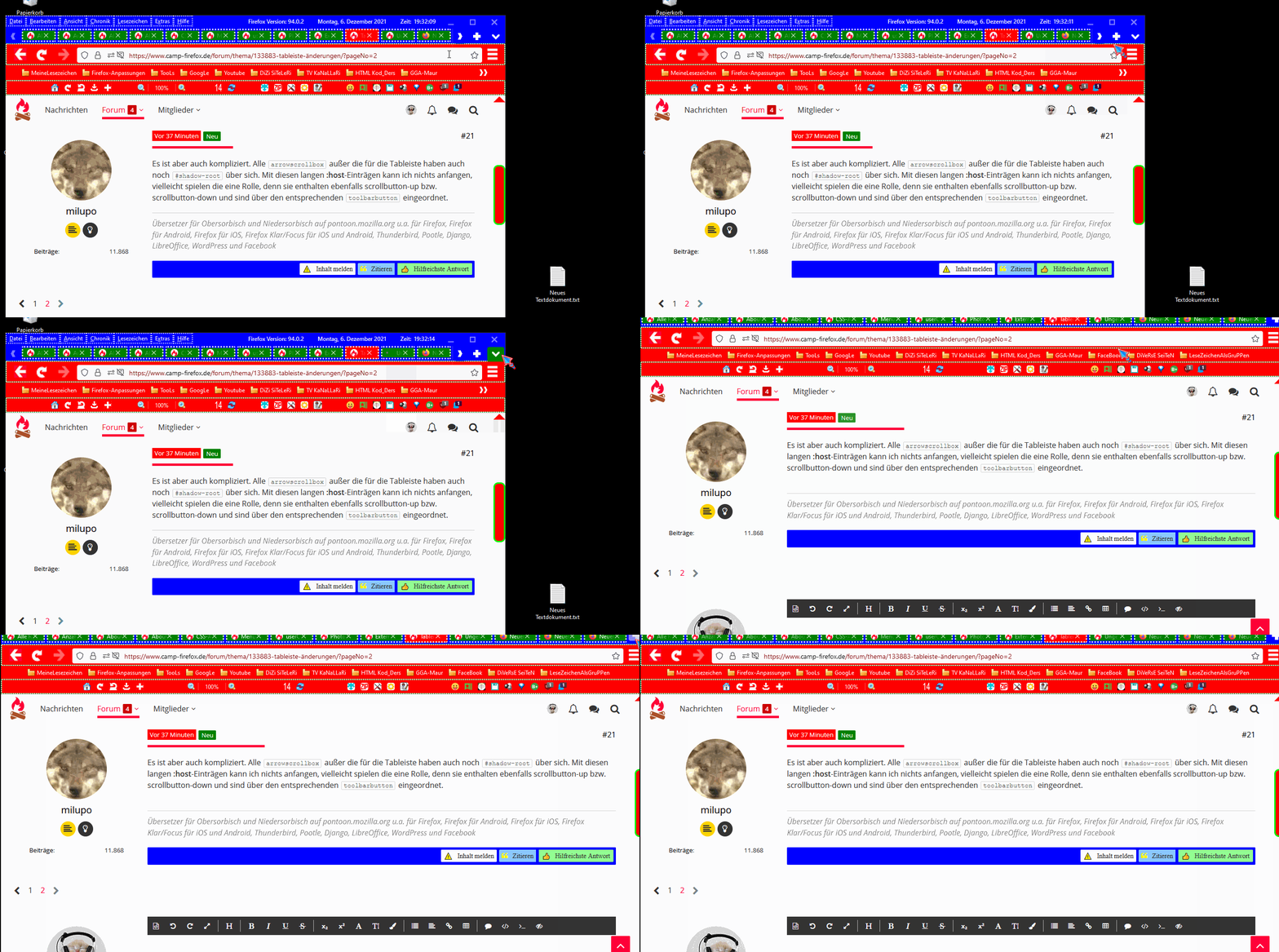
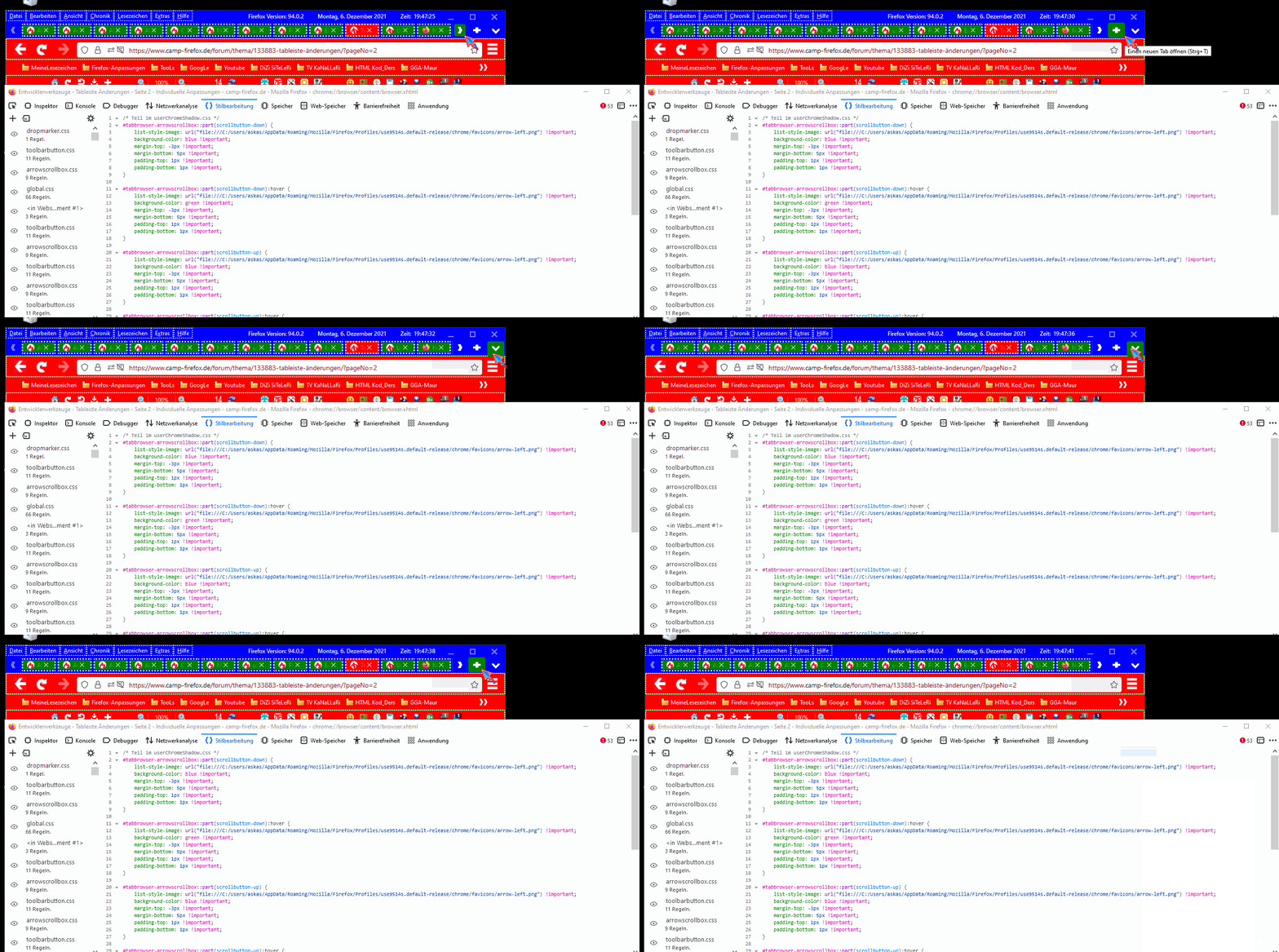
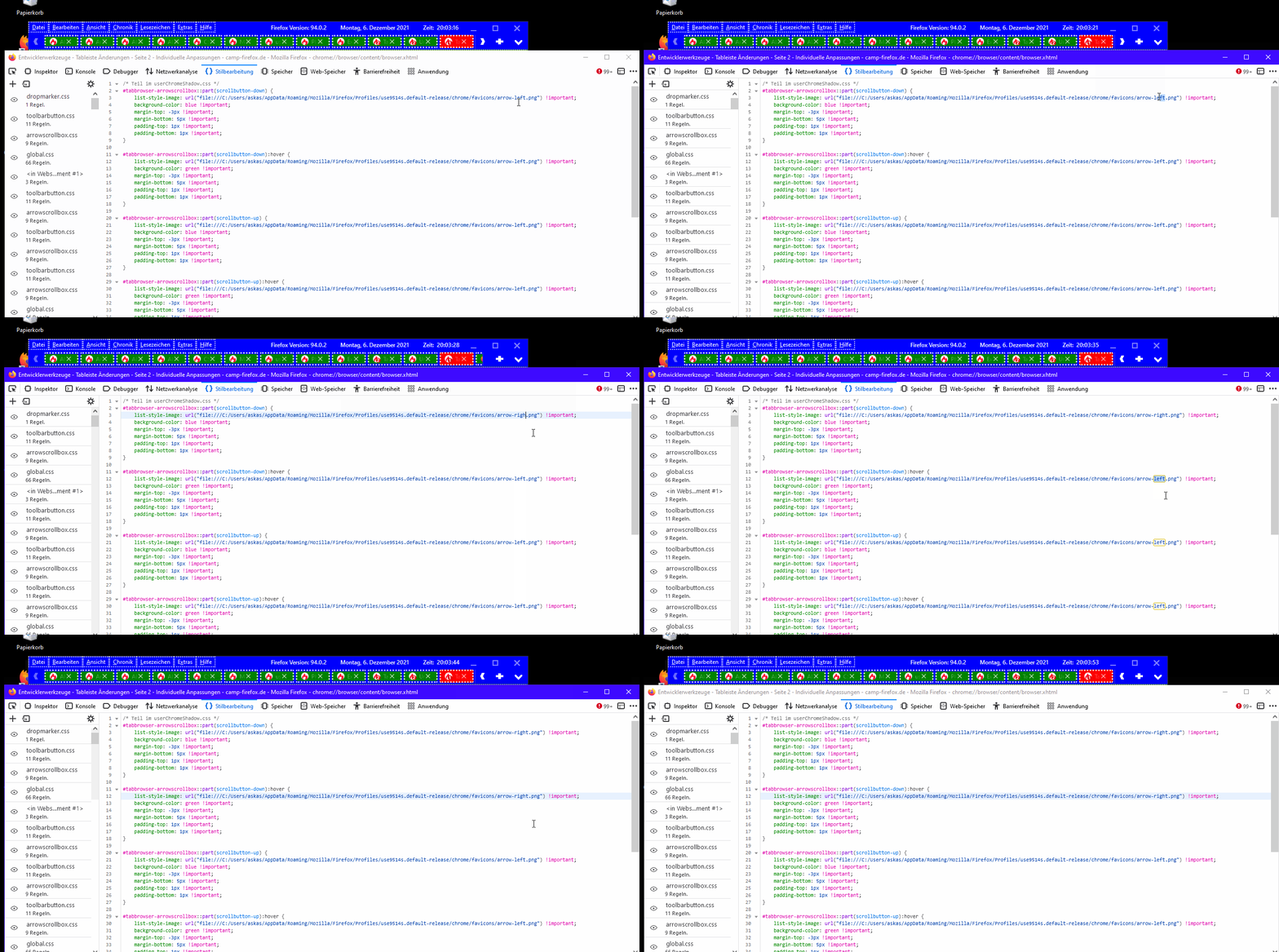
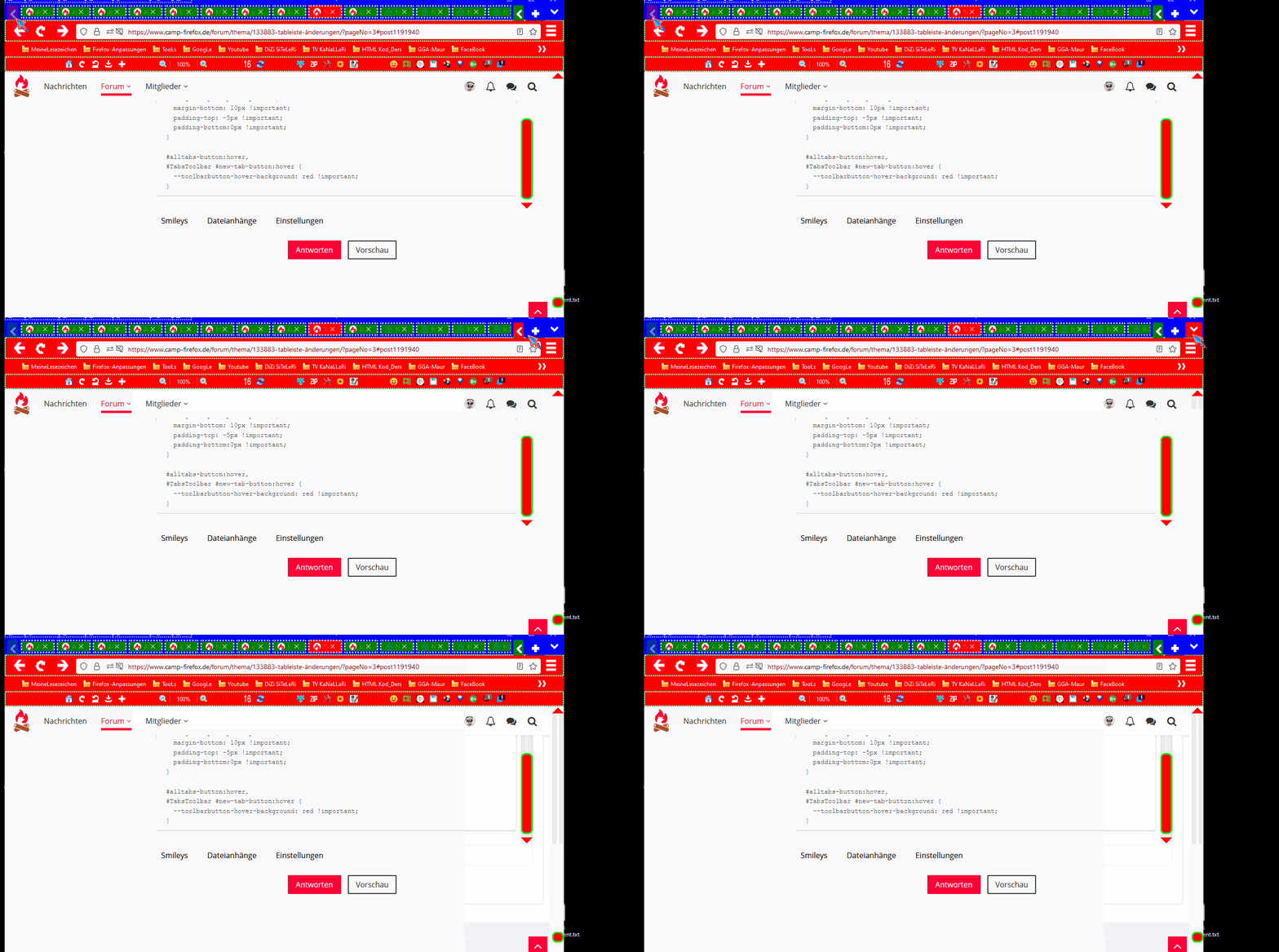
}und so siehts aus..
ich rauch jetzt mal eins und danach die wäsche holen gehen im wäscheraum..